





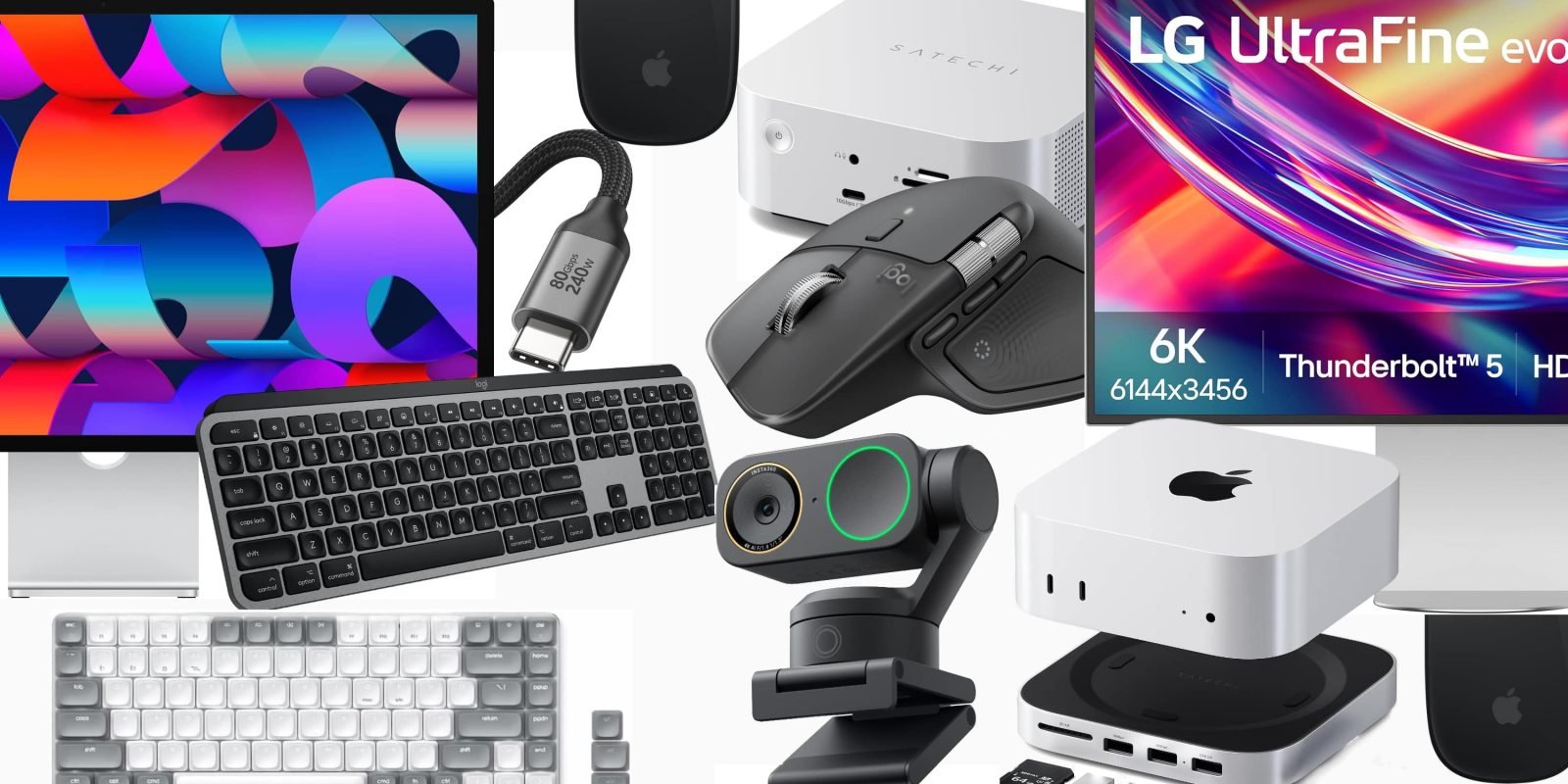
苹果全新的 M6 Mac mini、M5 Pro mini 和 Mac Studio 明天正式开售。不少机型已经能赶上预购优惠,我们今天先把手头最常用的一批 Mac 配件过一遍。
最推荐的 Mac mini / Studio 配件
- Justin – Apple Studio Display
- Chance – Logitech MX Master 4
- Michael – Satechi Hub & Stand with NVMe SSD Enclosure for Mac mini or Mac Studio
- Simon – Silkland Right-Angle 240W Thunderbolt 5 Cable
- Karthik – Satechi SM1 75% mechanical keyboard
- Rein – Insta360 Link 2 Pro 4K PTZ Webcam
- 荣誉提名
要我说,Mac mini 或 Mac Studio 最顺手的搭配还是苹果妙控键盘、妙控鼠标,再加一块 Studio Display。有人特别讨厌妙控鼠标(我觉得他们错了,手势操作确实好用,用过就回不去),不过键盘确实一般,鼠标对部分人也谈不上多人体工学……这点我认。
下面是我们自己在用的一些首选,既有苹果自家产品,也有第三方配件:
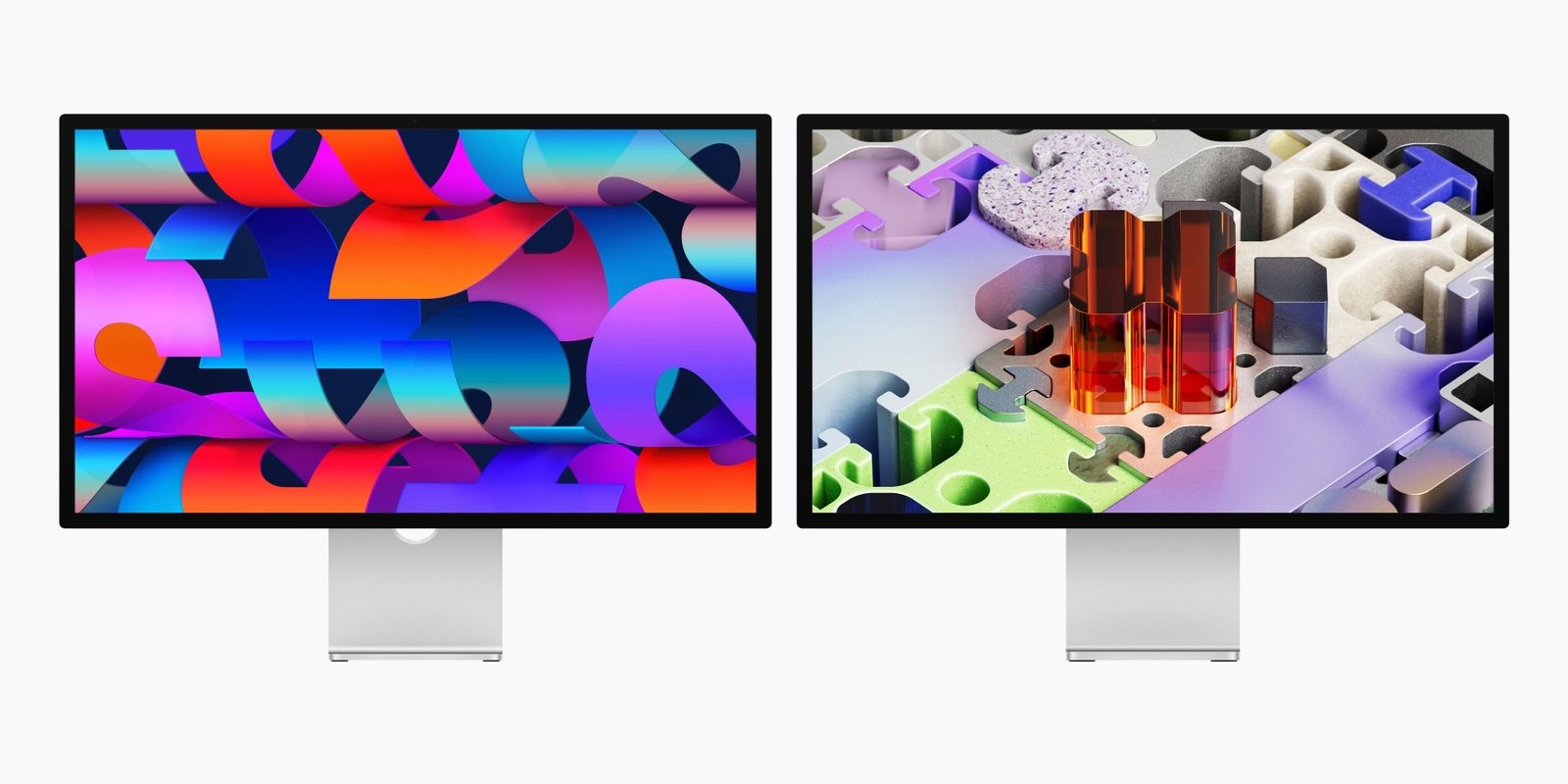
Justin – Apple Studio Display
今天先从显示器说起——你总得有一块屏,没有的话也该考虑换新了。苹果最便宜的那款 Studio Display 现在能直接在官网便宜 240 美元,属于近期最低价之一(手快才有),所以我把它放进今天的推荐里。
我自己给 Mac mini 配的是三星智能显示器。M9 OLED 不便宜,但银白色外观跟 Mac mini 很搭,几乎像一台银色 iMac,尺寸到了 32 英寸,价格却比 Studio Display 便宜好几百美元,还自带流媒体功能,别的也更全。可选其实很多,便宜贵的都有,所以我也把同事们整天盯着的屏幕一起列出来:
- Buy the ASUS ProArt (PA27JCV) 27-inch 5K USB-C monitor
- Buy the Samsung 32-inch OLED M9 Smart Monitor
- Buy the Dell UltraSharp 27 Thunderbolt Hub Monitor
- Buy the LG 27UP850K-W 27-inch Ultrafine 4K Monitor
- Buy the LG 32-inch UltraFine 6K Thunderbolt 5 Monitor
- Buy the BenQ PD2730S 27-inch 5K Thunderbolt 4 Monitor
- Buy the ASUS 32-inch ProArt 6K Monitor
Chance – Logitech MX Master 4
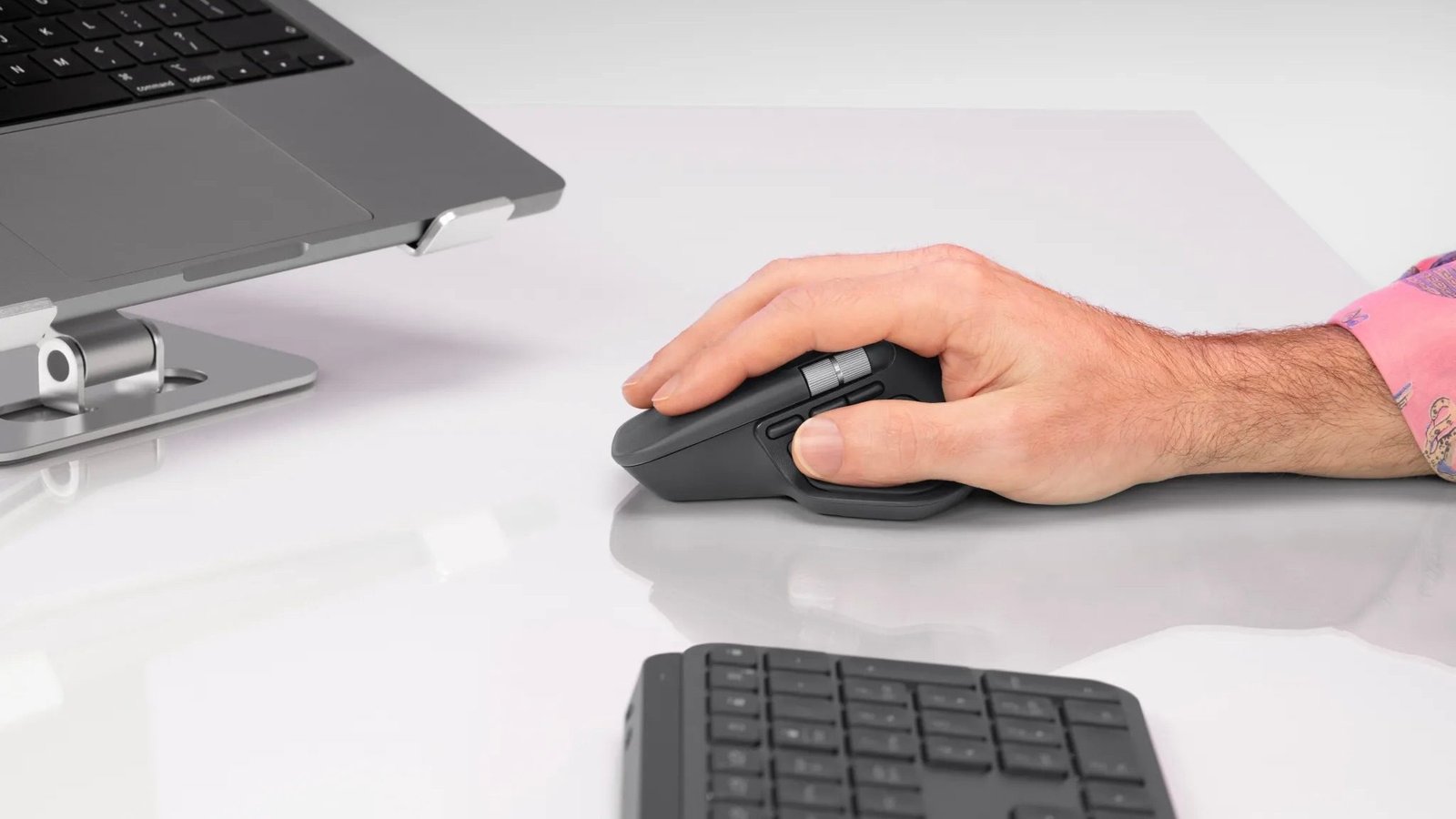
新买的 Mac mini 或 Mac Studio 不会附带键鼠。鼠标这边我首选 Logitech MX Master 4。它比上一代多了触觉反馈,连接更稳,材质也更耐用、更贴手。罗技把 MX Master 3 的经典手感留住了,同时又补上了该有的升级。
另外再提一句,Logitech MX Vertical 也值得看,适合想换一种人体工学握姿的人。
- Buy the Logitech MX Master 4
- Buy the Logitech MX Vertical
Michael – Satechi Hub & Stand with NVMe SSD Enclosure for Mac mini or Mac Studio
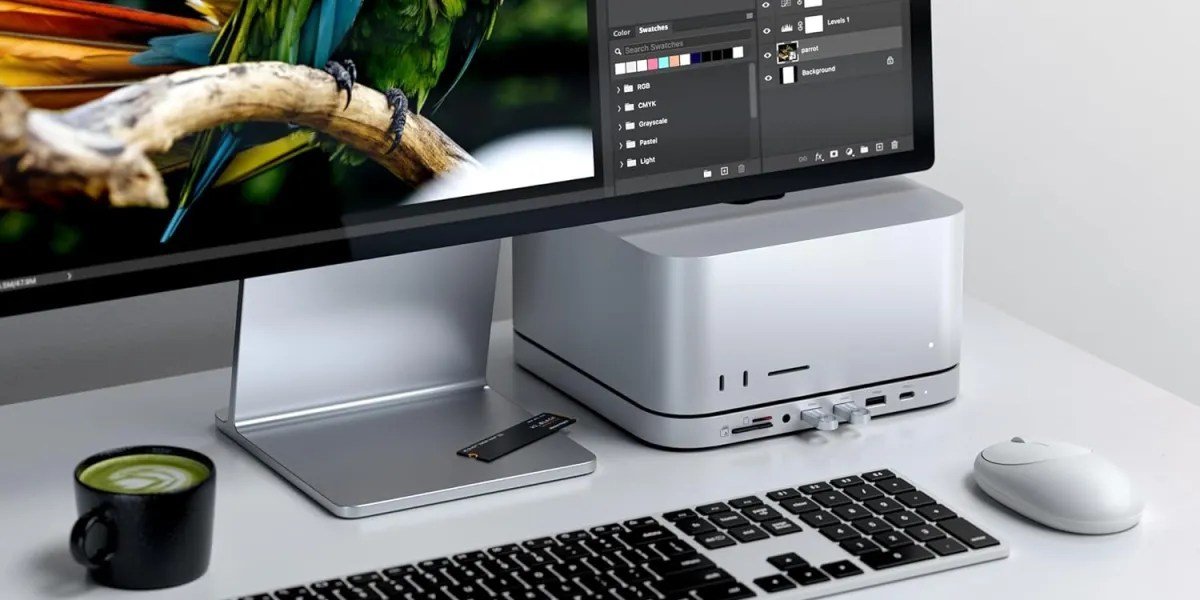
Satechi Mac mini Hub & Stand 能给 Mac mini 补存储和接口。它自带 NVMe SSD 硬盘盒,不用拆机就能加一块便宜的固态硬盘。同时它也是 USB 扩展坞,前面有方便够到的 USB 口和 SD 读卡器,接配件、导照片视频都省事。安装简单,整块底座正好垫在新 Mac mini 下面。
如果你买的是 Mac Studio 而不是 Mac mini,Satechi 也有专为 Mac Studio 做的 Hub & Stand。
- Buy the Satechi Mac mini Hub & Stand
- Buy the Satechi Mac Studio M5 Hub & Stand
Simon – Silkland Right-Angle 240W Thunderbolt 5 Cable
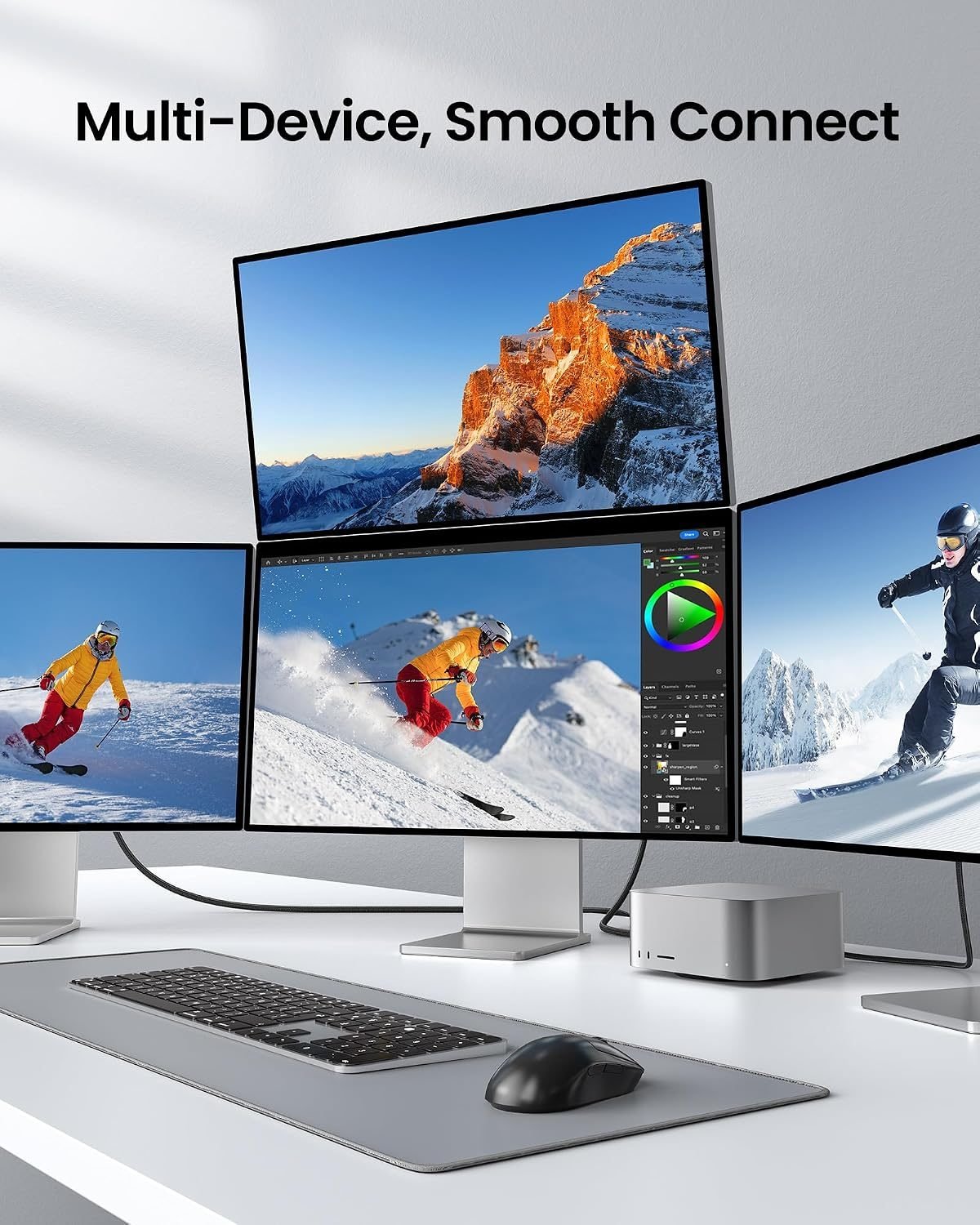
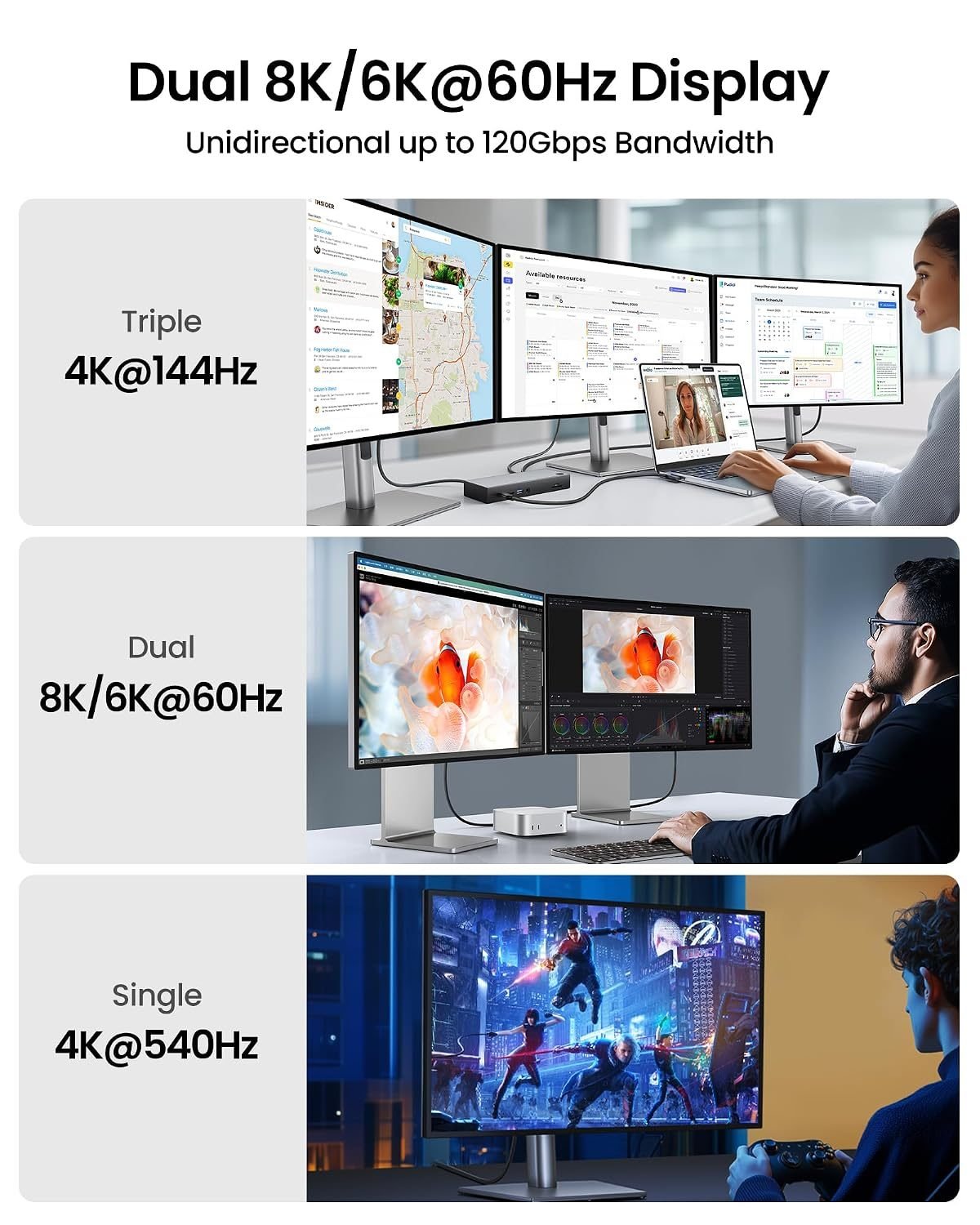
新 Mac mini 或 Mac Studio 摆上桌面很好看,线一接就容易乱。所以我更推荐这种直角线。机器靠桌边放时,线可以直接垂到桌下,不会横着翘出来。它支持最高 240W 充电,带宽到 120Gbps。这款 Thunderbolt 5 线有多种长度,起步价 26 美元。
如果机身背后那一个 HDMI 口不够用,还可以再买一根 10 英尺 USB-C 转 HDMI 线,不到 14 美元。
- Buy the Silkland Right-Angle 240W Thunderbolt 5 Cable
- Buy the JSAUX 10-foot USB-C to HDMI Cable
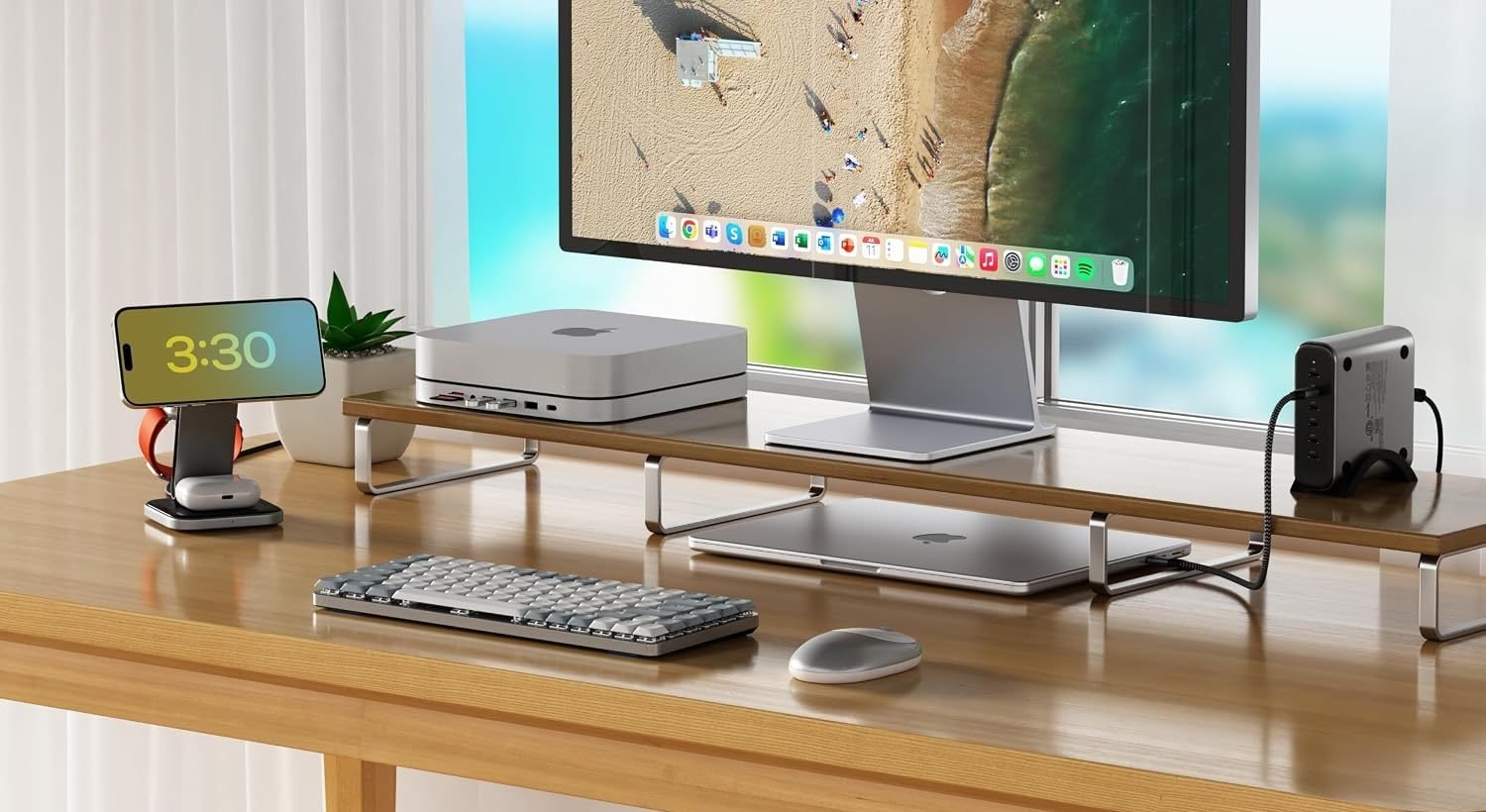
Karthik – Satechi SM1 75% mechanical keyboard
Mac mini 还得配键盘。要买新的话,我会选 Satechi SM1 75% 机械键盘。布局紧凑,桌面更干净,功能区和方向键又都还在;机械轴的手感也比常见低矮键盘更扎实。浅灰/白色外观跟 Mac mini 放一起很顺眼,适合偏苹果风的整洁桌面。
如果更想要超薄无线键盘、剪刀脚静音、更适合办公室,也可以看 Keychron B1 Pro。
- Buy the Satechi SM1 75% mechanical keyboard
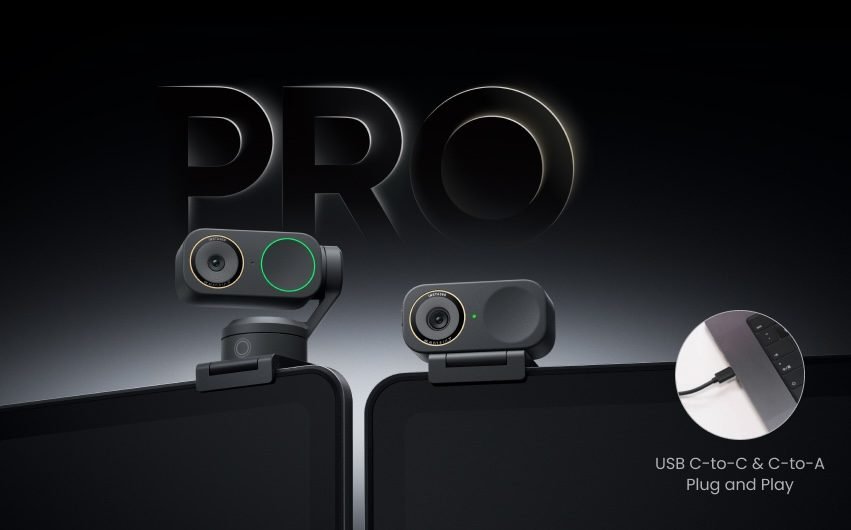
Rein – Insta360 Link 2 Pro 4K PTZ Webcam
你的 Mac mini 或 Mac Studio 可能已经配了带摄像头的显示器;如果没有,Insta360 这几款值得优先考虑。所以我建议上 Insta360 Link 2 Pro 4K PTZ 摄像头,或者它的同系列型号。4K 更清楚,双麦克风带波束成形定向拾音,还能靠 AI 云台跟着人转,会议软件、直播平台和 Stream Deck 都能接。
- Buy the Insta360 Link 2 Pro 4K PTZ Webcam
- Buy the Insta360 Link 2C Pro 4K Webcam
- Buy the Insta360 Link 2 4K PTZ Webcam
- Buy the Insta360 Link 2C 4K Webcam
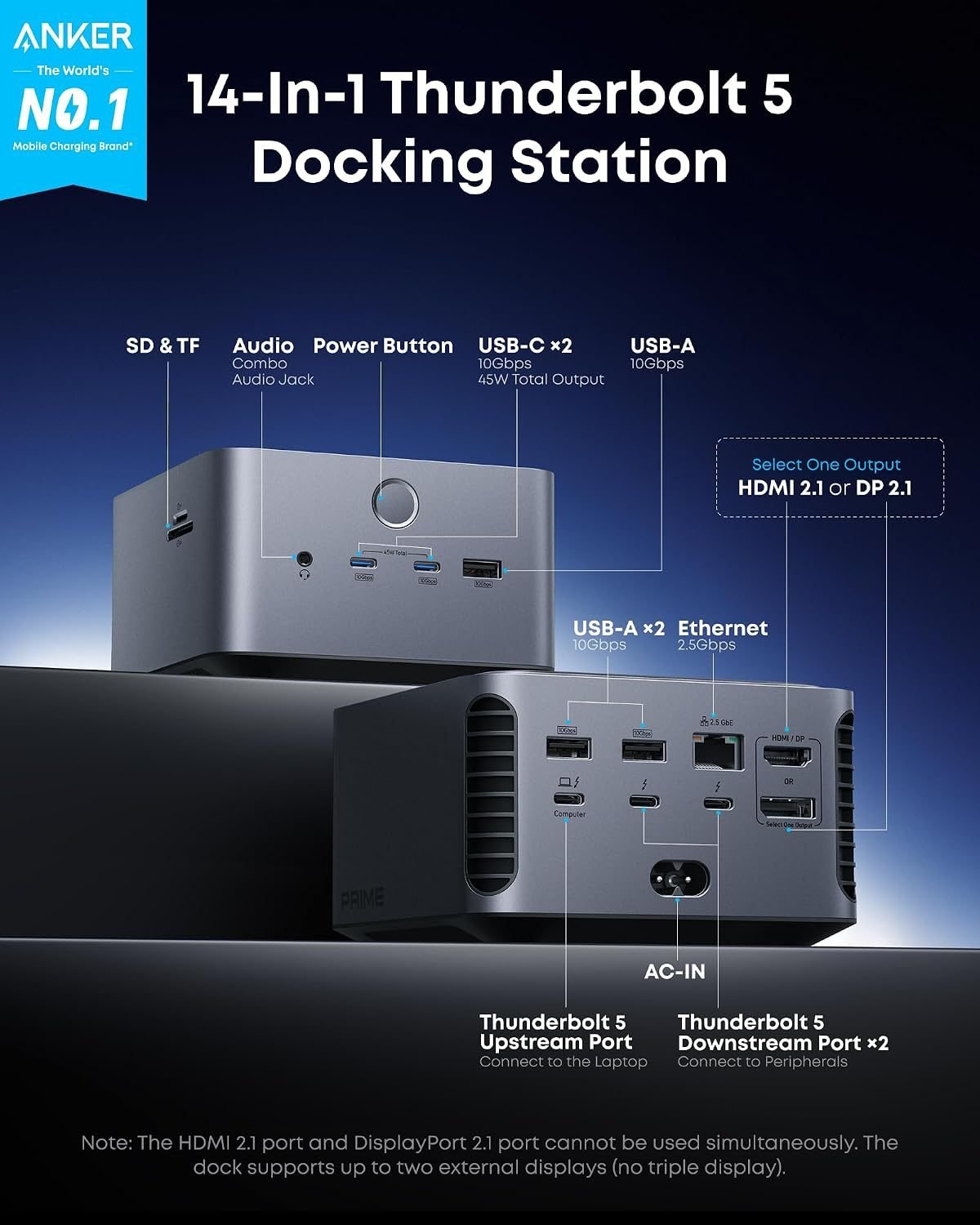
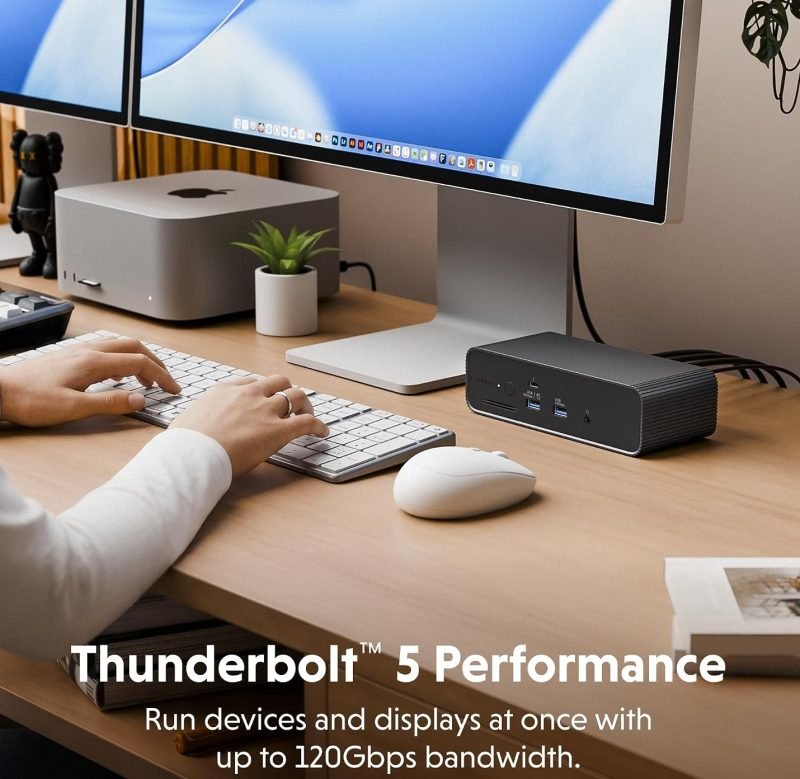
荣誉提名
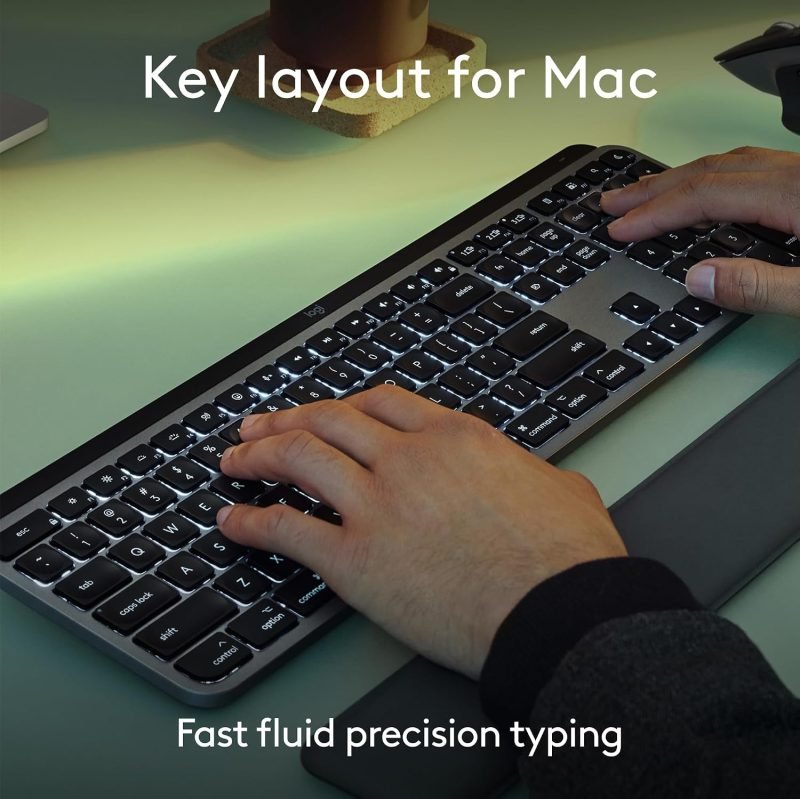
- Logitech MX Keys S Mac Wireless Keyboard
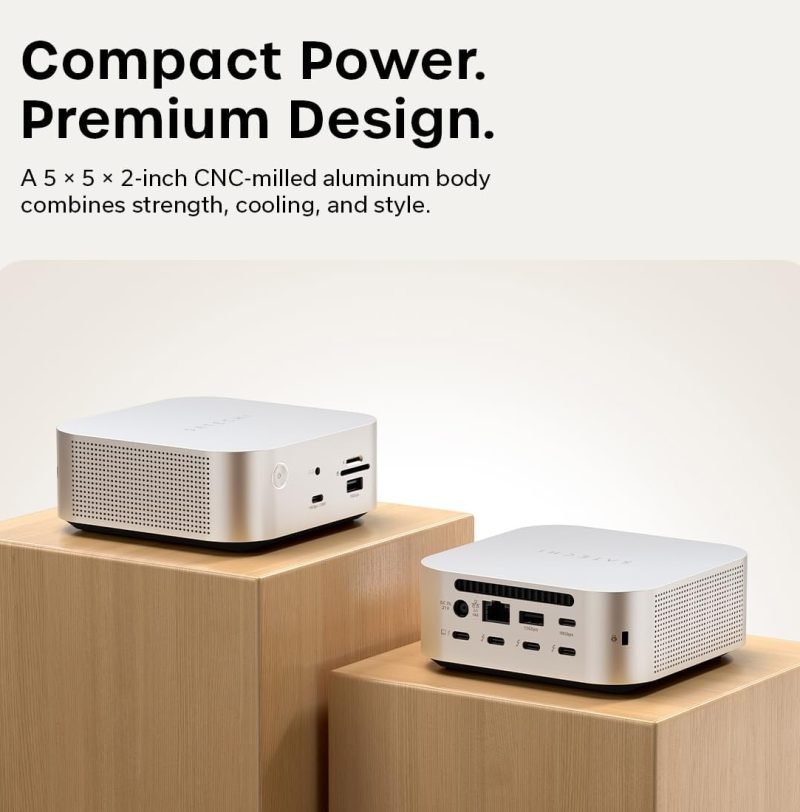
- Satechi Thunderbolt 5 CubeDock
- HyperDrive Next Thunderbolt 5 Dock with SSD Enclosure
- Anker Prime Thunderbolt 5 Docking Station
- Latest Apple Magic Keyboard
- Latest Apple Magic Mouse
持续更新中……